

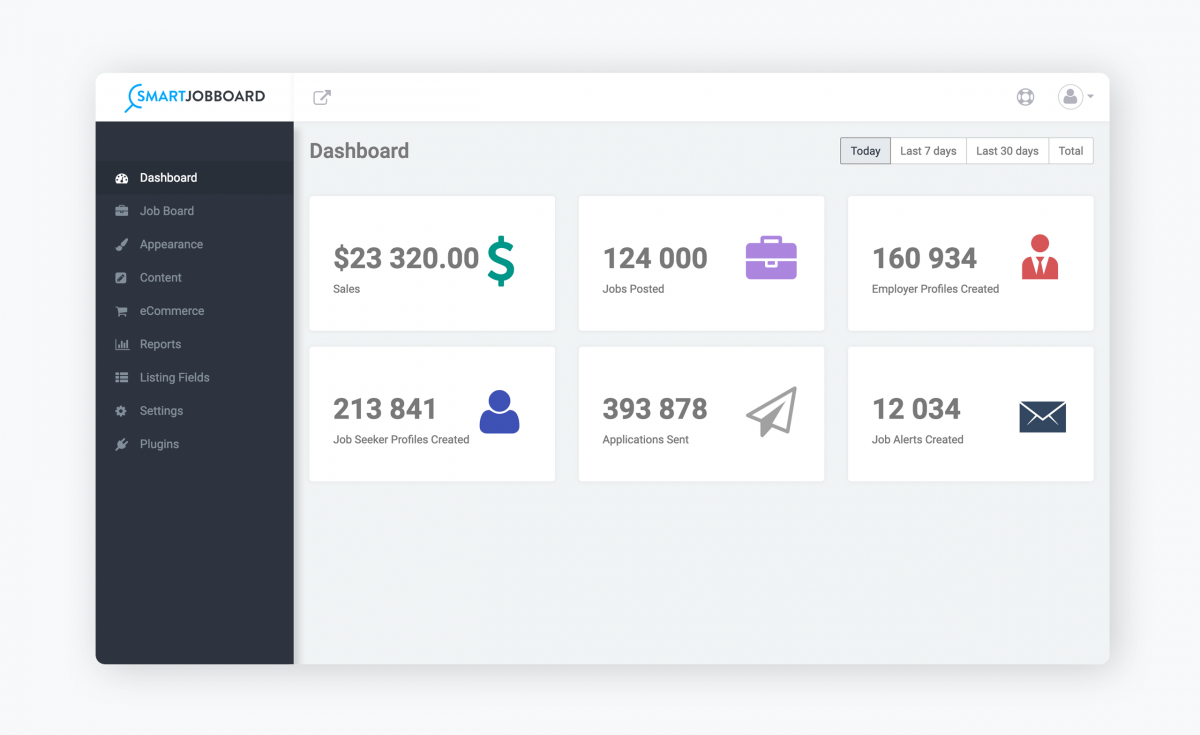
For your business.
Easy to set up and manage, your job board will essentially run on auto-pilot. It’s your business, run it your way.
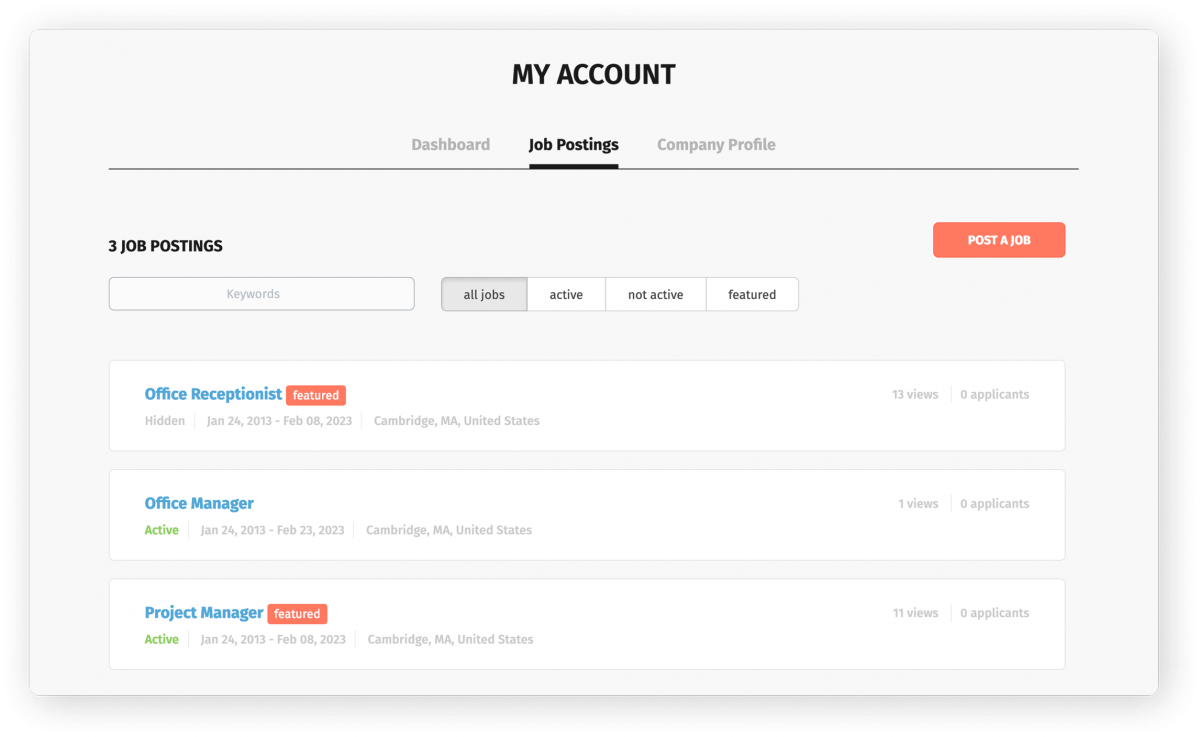
For employers.
Allow them to effortlessly add new listings, manage
applicants, and fulfill open positions.
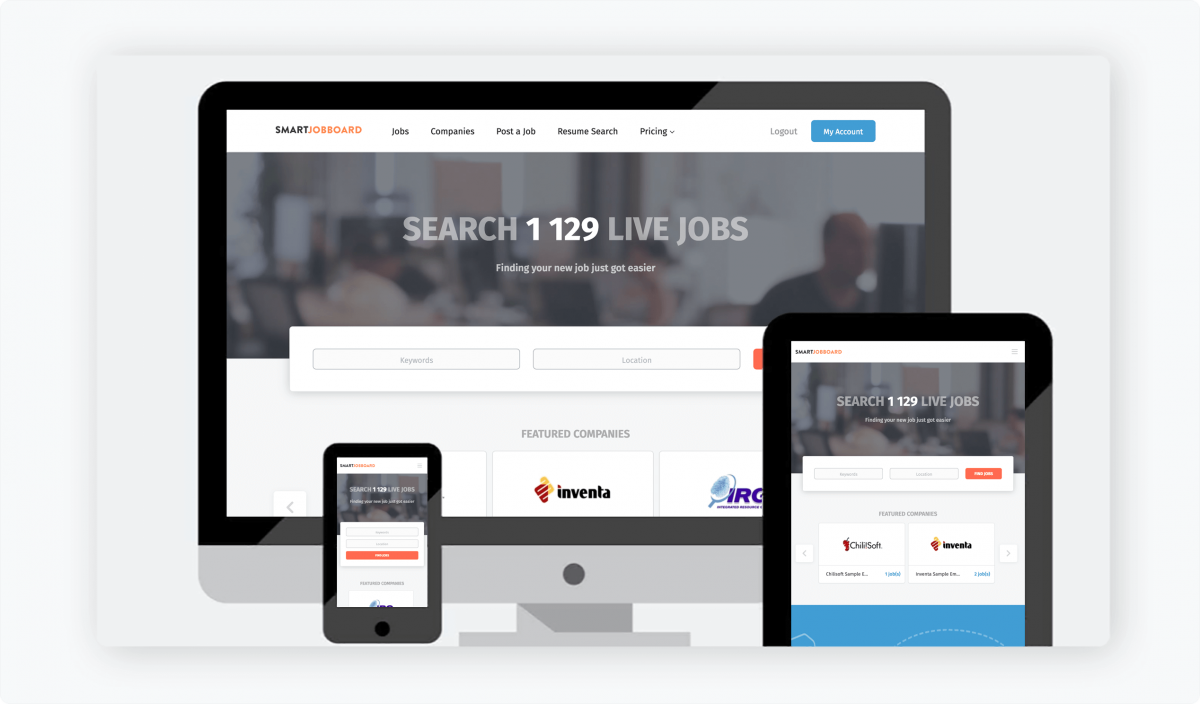
For job seekers.
Offer seamless job hunting with a quick registration and application process.
Trusted by over 400 job board
owners like Brian.

Meet Brian Bauer, founder of Hospital Careers
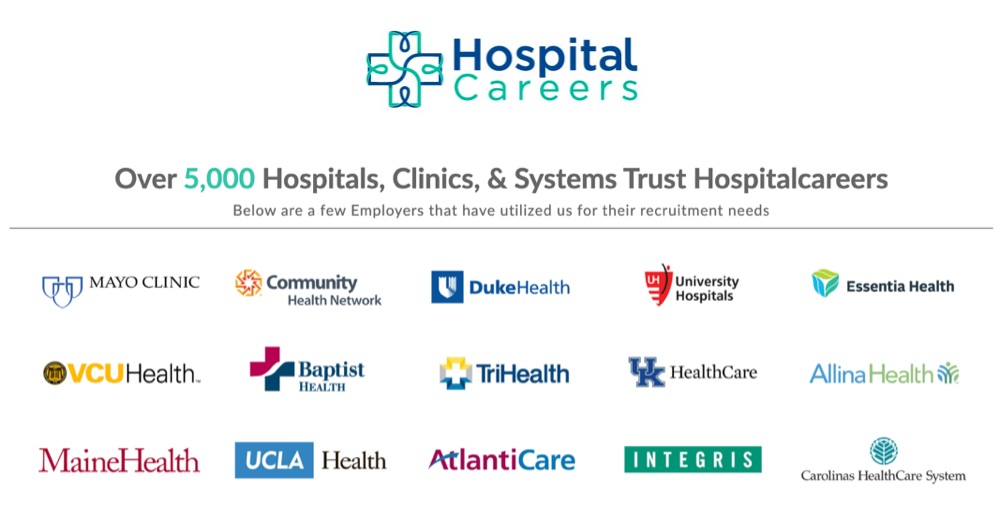
“I can’t stress enough how valuable it has been to free up our time internally to focus on the business and marketing versus fixing mistakes.
Smartjobboard has been a lifesaver for our business model and overall direction, and I don't say this lightly.”
Curious to see more? See live job boards in the wild.